LilBounce app icon
Physics Toy for iPhone & iPad

A little ball that lives in your phone.

LilBounce puts squishy cartoon balls inside your iPhone, moved only by real physics. Tilt to roll them, shake to rattle them, swipe to kick them — and feel every bounce land in your hand.

Coming to the App Store iPhone & iPad · iOS 18+

Works fully offline. No ads, no accounts, no analytics, nothing collected. Privacy Policy

Have a go: tap a ball, drag it, or swipe into one

7

Balls to try

30

At once

120

Frames a second

0

Data collected

Features

Real physics

Gravity follows how you hold the phone. The balls roll, spin, skid and bounce like real ones, 120 times a second.

Tap, hold, throw

Tap a ball to kick it, swipe into one to send it flying, or hold it and drag it around, then let go to throw it. Use every finger.

Seven balls

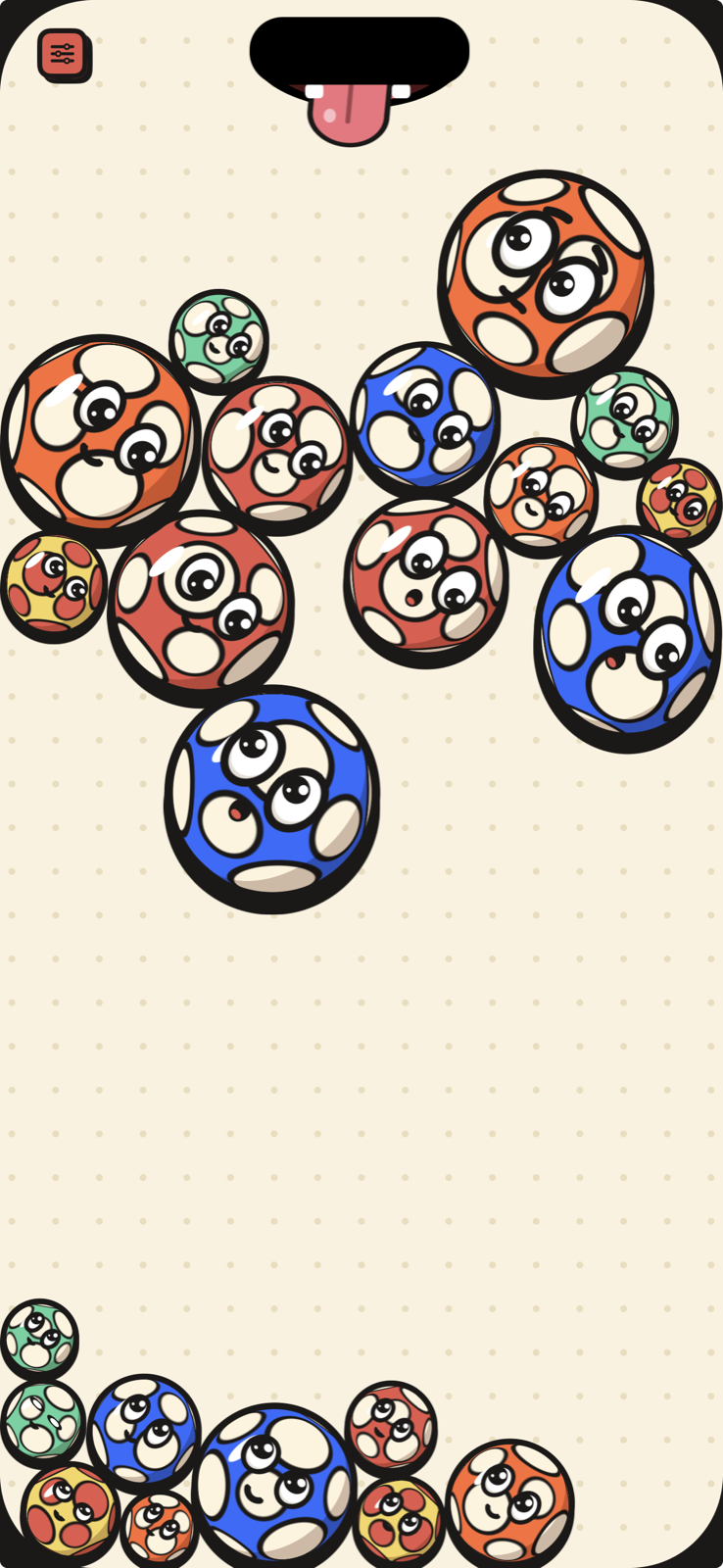
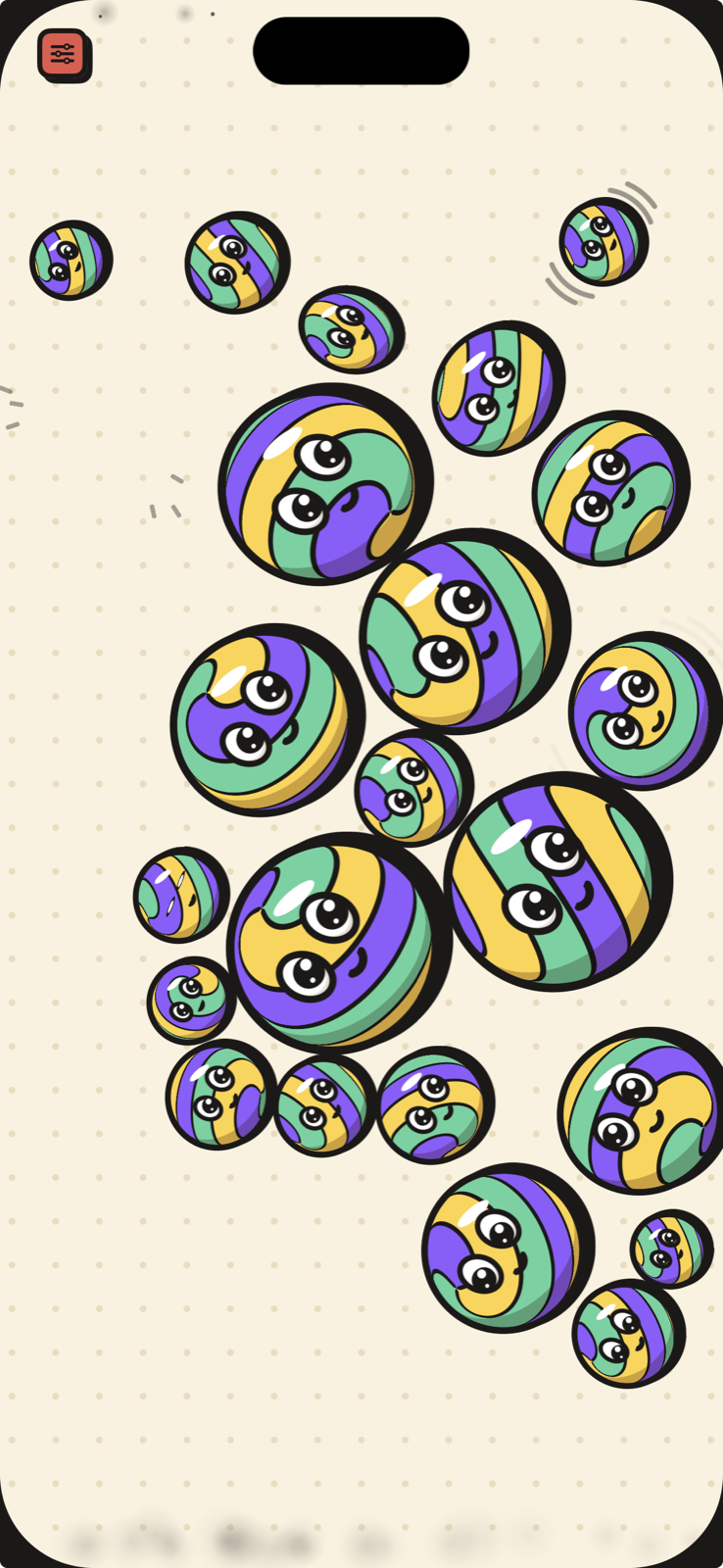
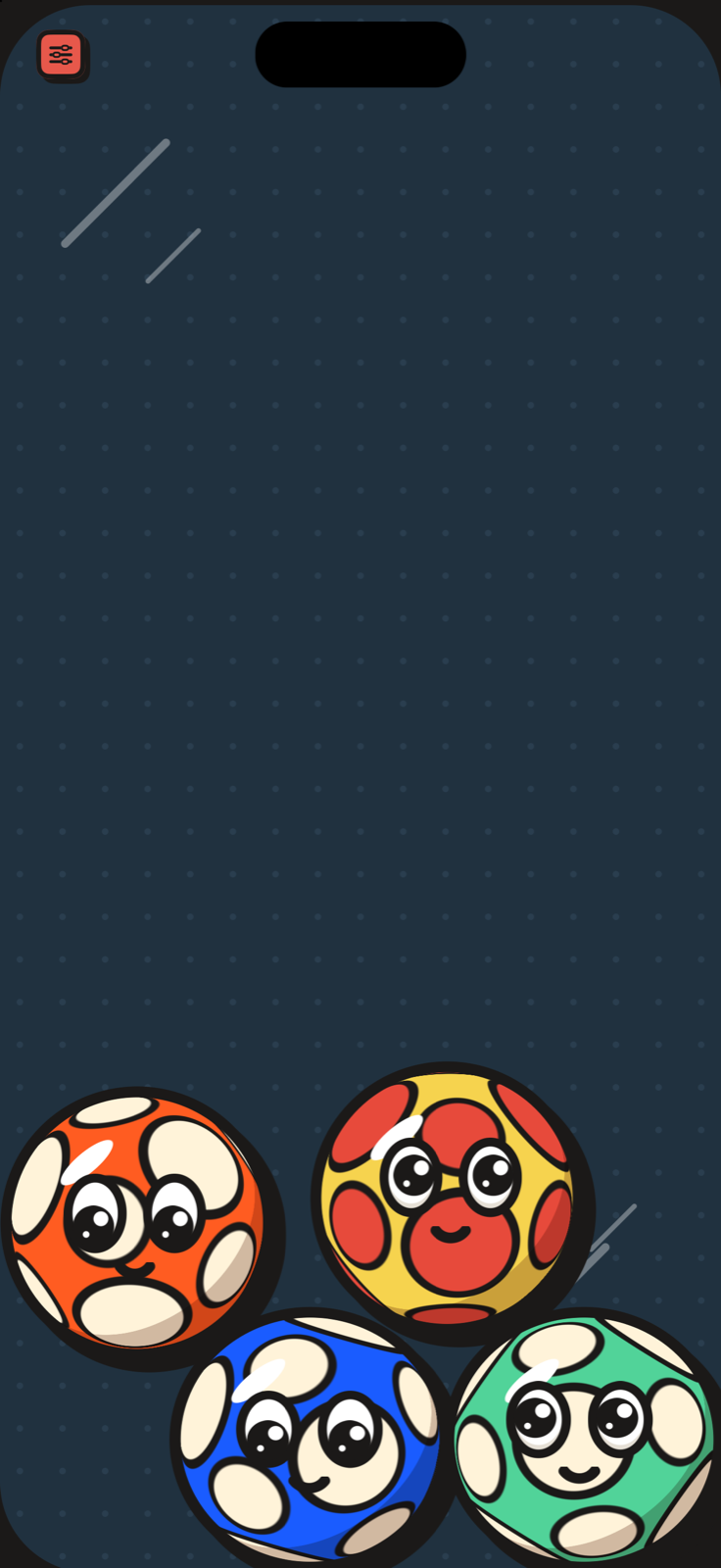
Rubber, tennis, beach, ping-pong, basketball, superball and bowling, each with its own bounce, sound and weight.

They have faces

They blink, watch your finger, squint on hard hits, get dizzy from spinning, nod off when you leave them alone, and look terrified near a hungry island.

A hungry island

The balls bounce off the Dynamic Island, edge to edge. Pick one up and the island turns into a panting dog's mouth that leans toward it. Push it in and it gets eaten.

Feel every bounce

Strong, proportional haptics and soft sounds made on the fly. A light tap for a nudge, a thump for a drop.

Good to Know

Is it a game?

It's a toy. No levels, no scores, no timers. Just balls to roll around and fidget with whenever you like.

Does it need the internet?

No. LilBounce runs entirely on your device and never connects to anything. It works the same in airplane mode.

Will it drain my battery?

It runs at 120 frames a second while things move, and drops to 30 when everything is still. Close it like any app when you're done.

The taps feel too strong.

Turn them down in settings (the coral button) under Feel → Haptic strength, or switch haptics off. Sound is the first switch in settings.

Can I share a clip?

Yes. Settings → Replay makes a short video of the last 10 seconds, with sound, to save or send.

Does it work on iPad?

Yes, in every orientation and in Split View. The bigger the screen, the bigger the playground.
Get in Touch

Found a bug, or want a new ball?

Every message is read and answered.

support@lilstudio.app