A bar in your menu bar that fills as you use Claude. Click it for your session and weekly windows, and how long until each resets.
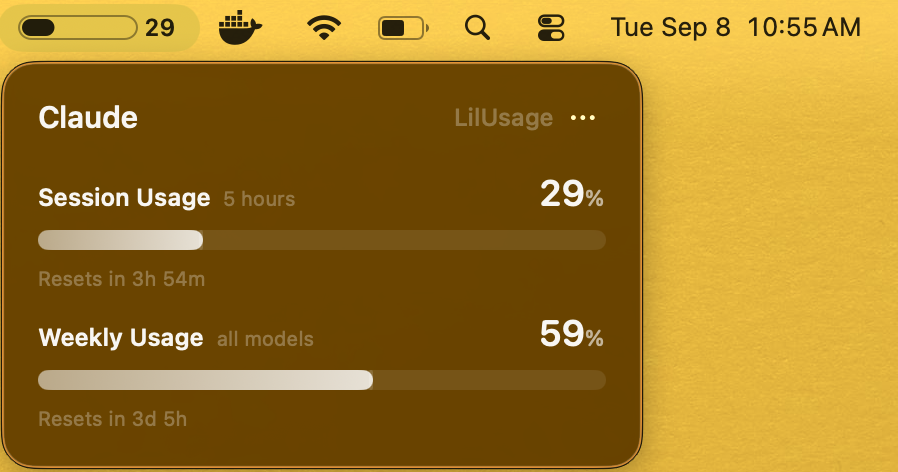
Session usage, always visible in the menu bar.
Know exactly when each window comes back.
Uses the Claude Code login you already have.
No dock icon, no notifications, light and dark.
Three steps, about two minutes.
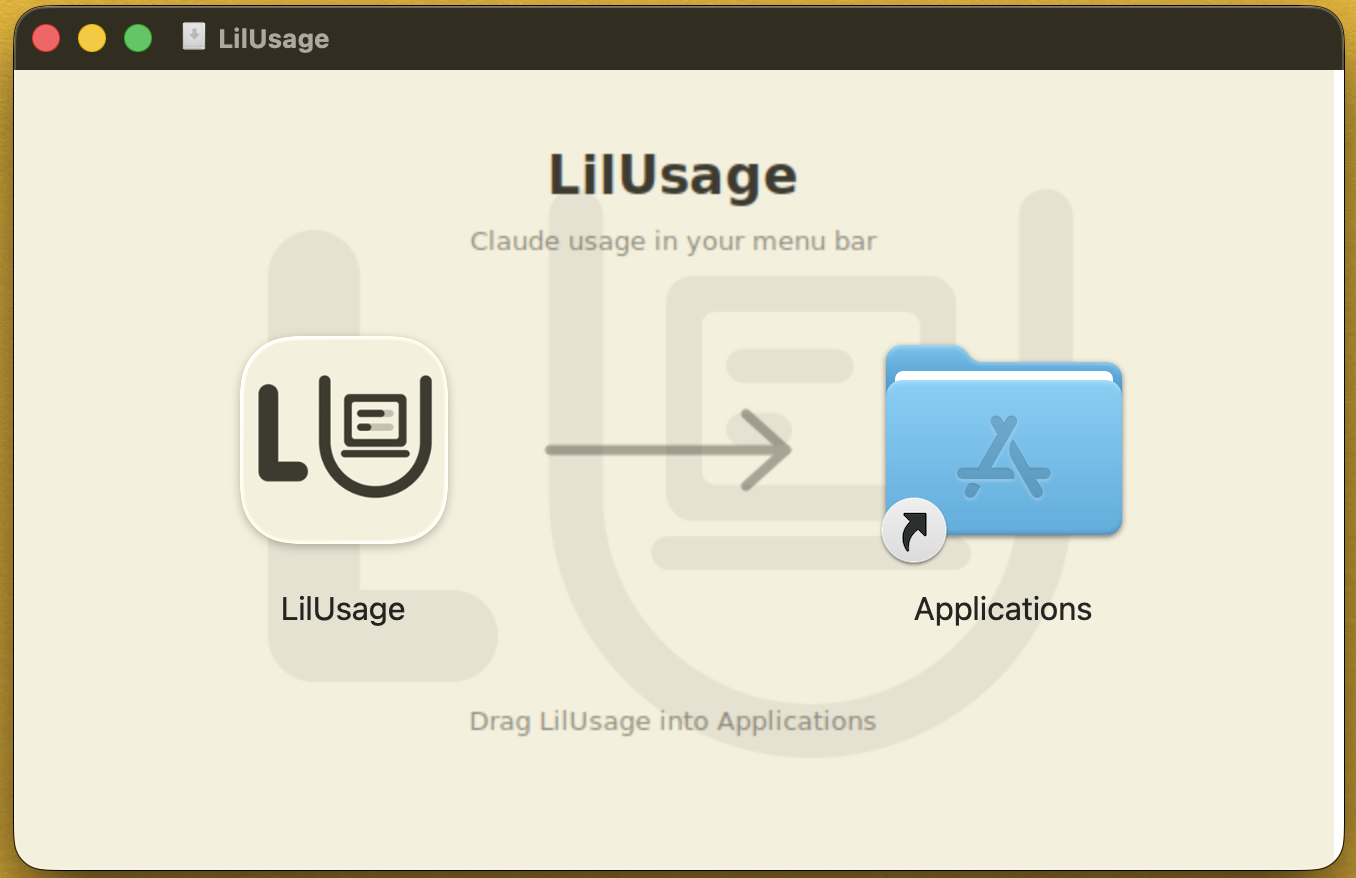
Drag LilUsage to Applications and open it.
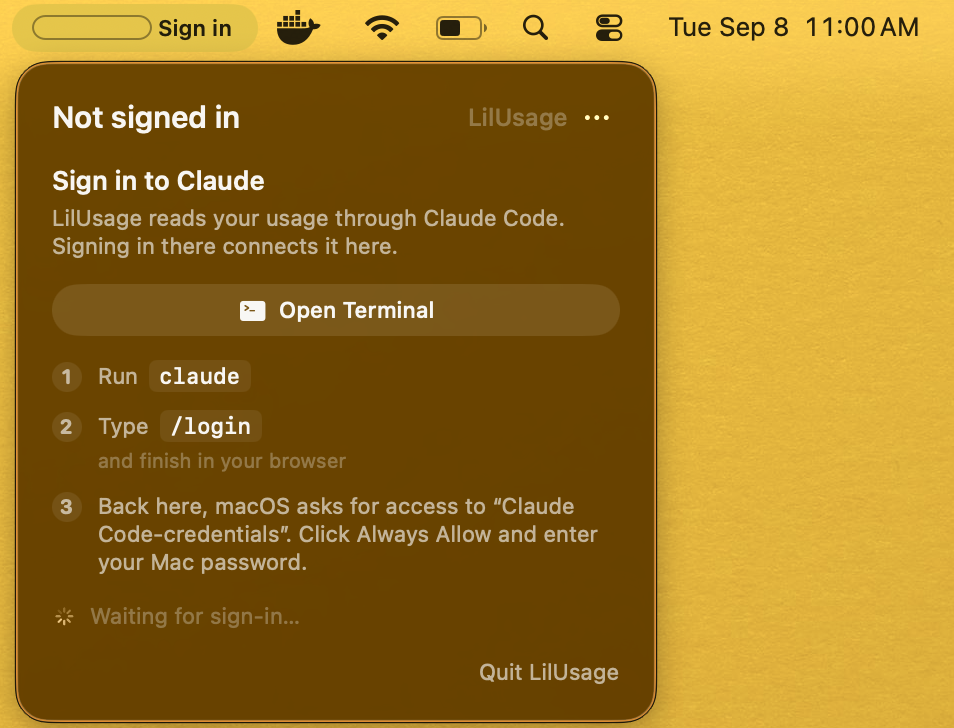
Run claude in a terminal, then /login. If you already use it, you're done here.
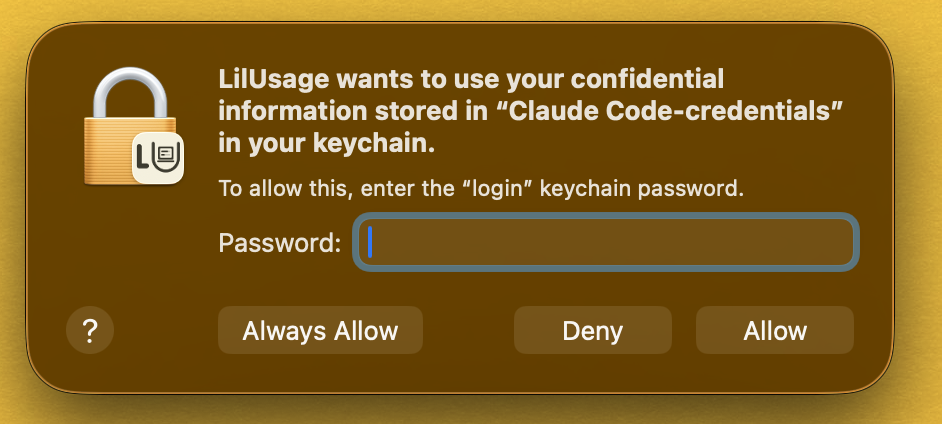
Then macOS asks for your Claude Code credentials — choose Always Allow.
The bar fills within seconds. If it ever says Sign in, your Claude Code session expired — the app walks you through it.
There isn't one.
macOS 14+ · Apple silicon & Intel
Requires Claude Code installed and signed in.
The usage numbers come from an endpoint that only accepts the token Claude Code keeps on your Mac. LilUsage borrows that one instead of asking you to sign in again.
No. One credential, one request, percentages back. Nothing reaches the developer.
Sandboxed apps can't read Claude Code's credentials, so LilUsage ships as a signed, notarized direct download.
LilUsage is an independent utility, not affiliated with or endorsed by Anthropic. The usage endpoint it reads is undocumented and may change without notice.