Are my files safe?
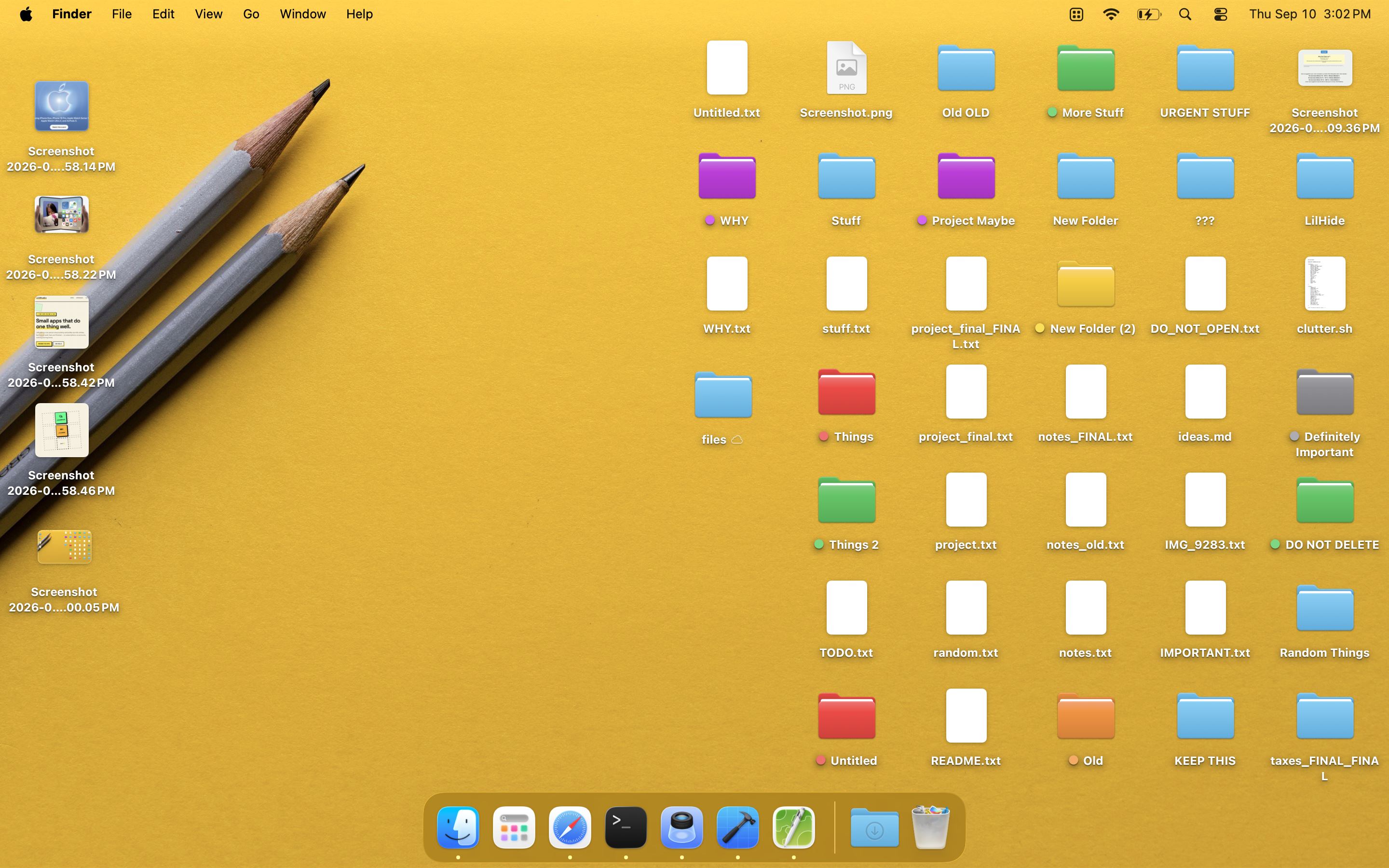
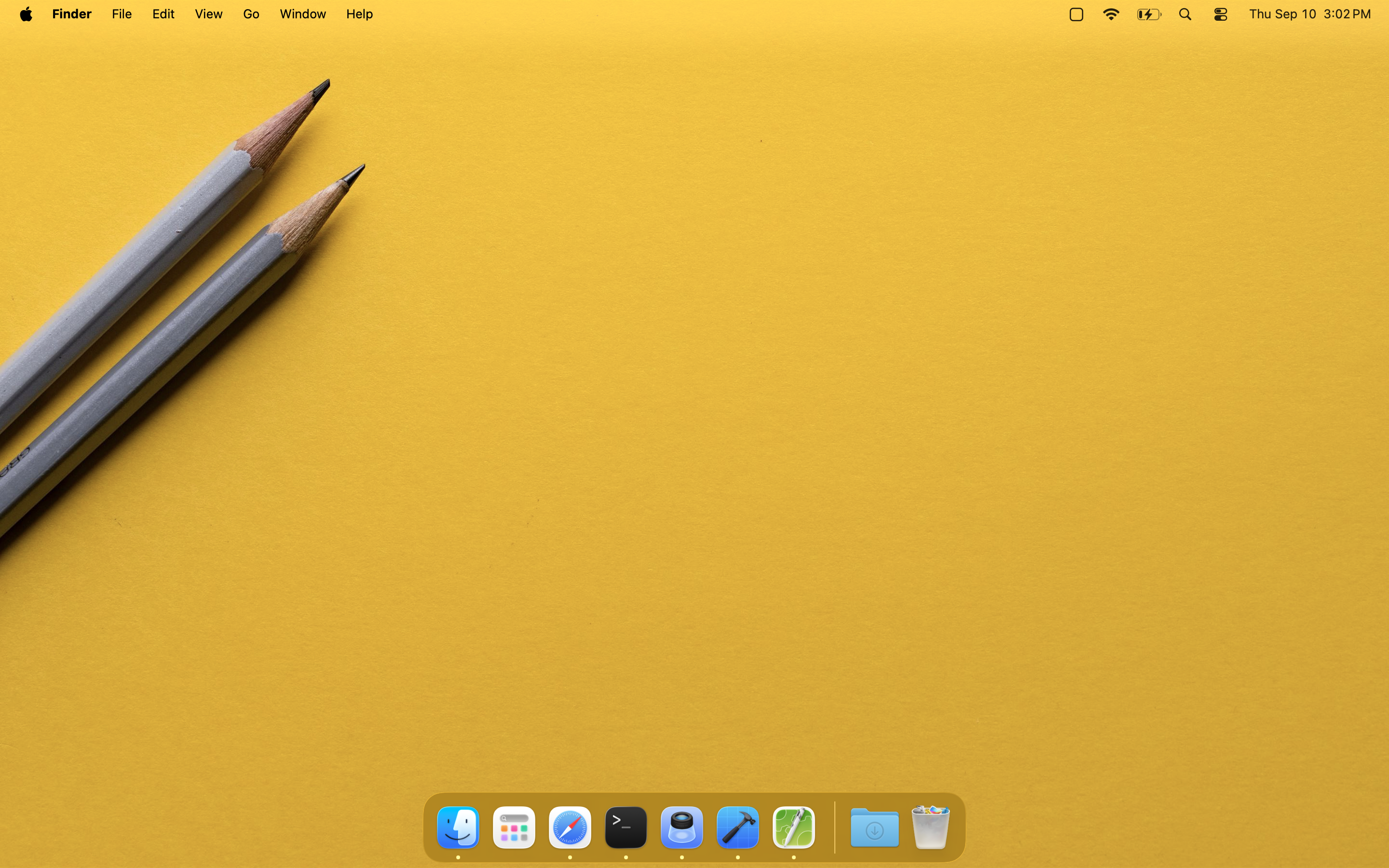
Yes. LilHide never moves, renames, deletes or reads your desktop files. It draws a copy of your wallpaper over them. Quit the app and everything is exactly where it was.
Does it work with multiple monitors?
Yes — every connected display is covered at the same time, at whatever resolution and scale each one runs. It also follows you between Spaces, and picks up displays you plug in while icons are hidden.
Why does it ask for my wallpaper?
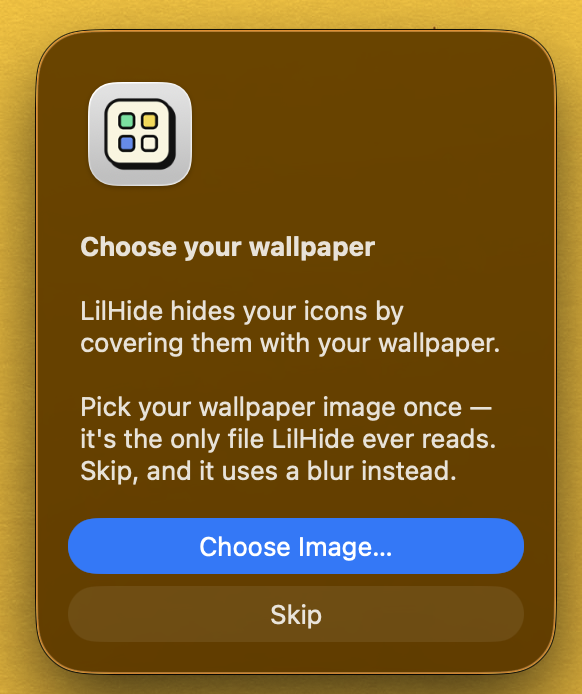
Because it refuses to take a screenshot of your Mac to get one. Reading the image you point it at is the honest way to do this, and it needs your permission exactly once.
Can I still use the desktop while hidden?
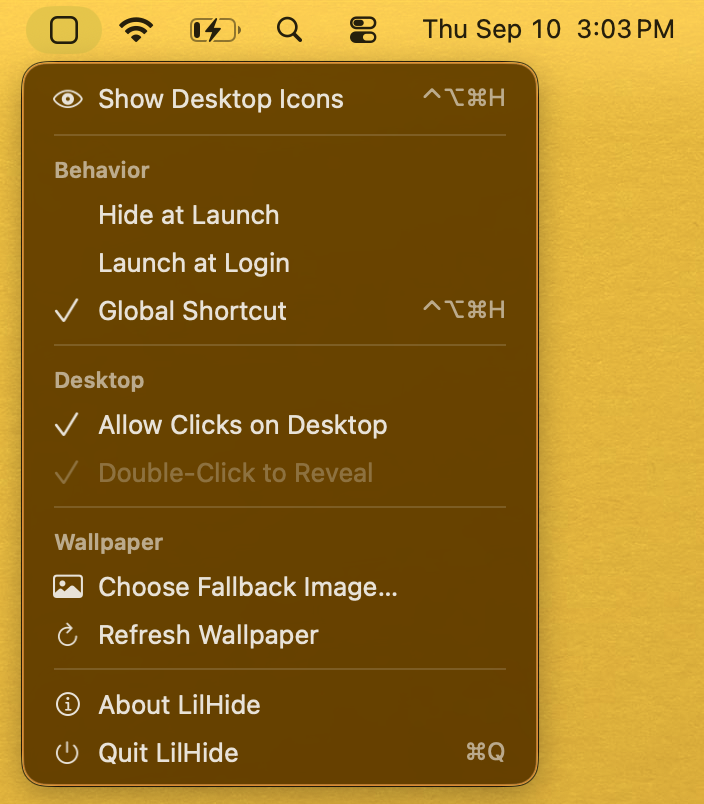
Turn on Allow Clicks on Desktop and your clicks pass straight through to Finder. The trade-off is that double-click-to-reveal stops working, since those clicks now belong to Finder.
What about desktop widgets?
They sit on the same layer as your icons, so they're hidden too. There's currently no way to keep one without the other.
Coming from HiddenMe?
Everything you used is here: the menu bar toggle, the shortcut, launch at login. What's different is that LilHide never asks for Screen Recording, and its menu bar icon actually adapts to dark mode.