LilDisplay vs OpenDisplay
An honest comparison, as of November 2026
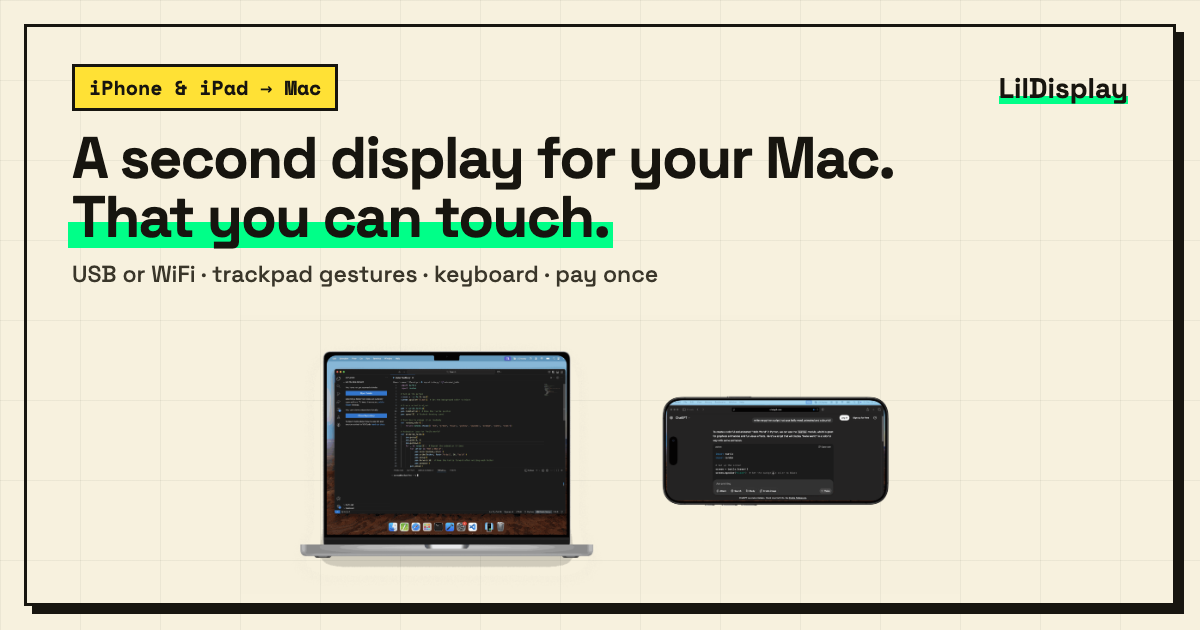
Both apps turn an iPhone or iPad into a real extended display for your Mac, over USB or WiFi, with the same idea: a free Mac app plus an app on the device. They differ in what you can do on that display, and in price.
| LilDisplay | OpenDisplay | |
|---|---|---|
| Price | 3 free sessions, then $2.99 once | Free, open source |
| iPhone and iPad as a display | ✓ | ✓ |
| Tap, drag and scroll | ✓ | ✓ |
| Trackpad mode with 3- and 4-finger gestures | ✓ | – |
| Type on the Mac with the device keyboard | ✓ | – |
| WiFi | Peer-to-peer, no shared network needed | Same network |
| iPhone Duo fold and unfold | ✓ | ✓ |
| Open source | – | ✓ |
| Use a spare Mac as the display | – | ✓ |
Pick OpenDisplay if…
- you only need an extra screen to look at,
- you want open-source software, or
- you want to use an old Mac as a display.
Pick LilDisplay if…
- you want to control your Mac from the screen: Trackpad mode with Spaces and Mission Control gestures, or touch exactly where you want to click,
- you want to type on the Mac from your phone or tablet, or
- you connect over WiFi away from a router, on a train, in a café, or in a hotel where devices can't see each other.
The best test is your own: LilDisplay gives you three full sessions free, no account needed.
iPhone or iPad with iOS 15.6+ · 3 free sessions, then $2.99 once · free Mac app for macOS 14+