LilDisplay vs Sidecar
When the built-in option isn't enough
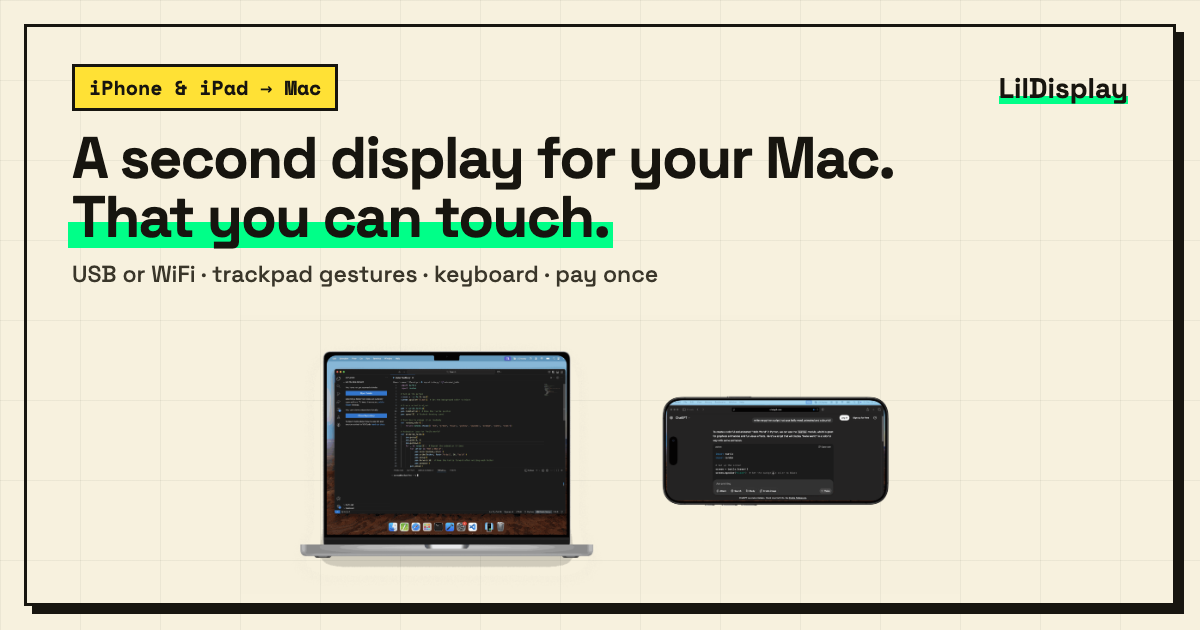
Sidecar is Apple's own way to use an iPad as a second display. It is free, built into macOS, and very good at what it does. If it works for you, use it.
It has a few limits, though, and that is where LilDisplay comes in.
| LilDisplay | Sidecar | |
|---|---|---|
| Price | 3 free sessions, then $2.99 once | Free, built into macOS |
| iPhone as a display | ✓ | – iPad only |
| Mac and device on different Apple IDs | ✓ | – same Apple ID required |
| Older iPads (iPadOS 15.6 and later) | ✓ | Depends on the model |
| Tap to click | ✓ | – Apple Pencil, limited touch |
| Trackpad mode with 3- and 4-finger gestures | ✓ | – |
| Type on the Mac with the on-screen keyboard | ✓ | – |
| Wireless without a shared network | ✓ | ✓ |
The cases LilDisplay solves
- You don't have an iPad, but you have an iPhone.
- Work Mac, personal iPad: Sidecar needs the same Apple ID on both, and doesn't work with managed Apple IDs.
- Your iPad or Mac is too old for Sidecar.
- You want to use your fingers: tap to click, Trackpad mode with Mission Control and Spaces gestures, and typing on the Mac.
iPhone or iPad with iOS 15.6+ · 3 free sessions, then $2.99 once · free Mac app for macOS 14+