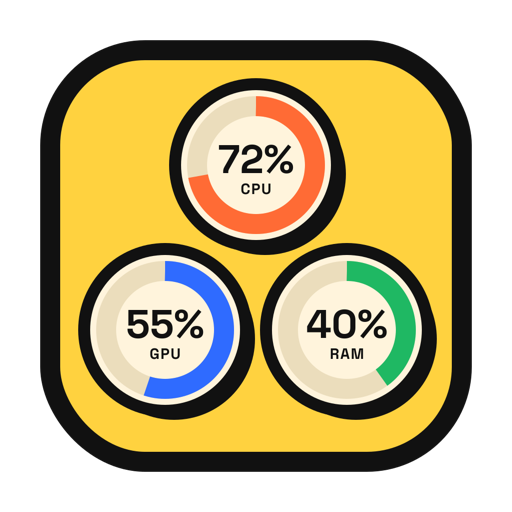
LilStats app icon
Menu Bar Monitor for macOS

Your Mac's vitals, lil and live.

LilStats keeps CPU, GPU and RAM in your menu bar, drawn however you like — rings, bars, graphs, per-core meters or plain numbers. Click it for P‑cores, E‑cores and the last minute of history.

Mac App Store macOS 14.6+ · Apple silicon & Intel · No account

Sandboxed. No helper tools, no admin password, no permissions, no network. Privacy Policy

Showing Ring + % · try another style

3

Metrics

12

Menu bar styles

0

Permissions

~16MB

Memory

On Your Mac

Right next to Wi-Fi and the battery, where you'd look anyway. One click opens the details.

A MacBook desktop with LilStats in the menu bar showing CPU 13%, GPU 23% and RAM 76% as rings, and its popover open with P-core and E-core bars and history graphs

Twelve Styles

Every metric gets its own look. Pick one below and the menu bar up top switches to it.

Mono follows your menu bar like any system icon · Colored runs green → yellow → red with load

Features

Everything you'd glance at, nothing you'd have to manage.

P-cores & E-cores

On Apple silicon, per-core bars split into performance and efficiency groups, so you can see which ones are doing the work.

A Minute of History

Click the menu bar for big numbers, every core, and live graphs of the last 60 seconds. While it's open it updates every second.

Mono or Colored

Monochrome blends into the menu bar in light and dark mode. Colored shifts from green to yellow to red as things heat up.

Yours to Arrange

Turn each metric on or off, reorder them, hide the labels, and check it all in a live preview on light and dark menu bars.

Your Pace

Update every 1, 2 or 5 seconds. Values glide between readings, and the animation pauses in Low Power Mode.

Asks For Nothing

Fully sandboxed. No helper tool, no admin password, no permission prompts. It reads the same counters Activity Monitor does.

Light on Its Feet

A system monitor shouldn't show up in its own numbers.

Good to Know

Does it need any permissions?

No. LilStats reads the CPU, memory and GPU counters macOS makes available to any app. No Accessibility, no Full Disk Access, no helper tool, no admin password.

Why does RAM match Activity Monitor?

On purpose. "Used" is app memory plus wired plus compressed, the same sum Activity Monitor shows as Memory Used. Files macOS is just caching don't count.

Does it work on Intel Macs?

Yes. On Intel the per-core view shows one group of cores instead of P and E. Some older GPUs don't report utilization; if yours doesn't, GPU shows a dash instead of a made-up number.

Will it drain my battery?

It's built not to. Readings take a fraction of a millisecond, redraws only happen when something visibly changes, and everything stops while your display sleeps. Want it even calmer? Set the interval to 5 seconds.

Does it collect any data?

None. LilStats has no account, no analytics, and no network connection. Your numbers stay on your Mac. See the privacy policy.

Get in Touch

Found a bug, or want a style?

Every message is read and answered.

support@lilstudio.app